
Home / Content calendar
Free tool
Free content calendar for TikTok, Reels, and Shorts
Pick the networks and how many videos per day. The tool writes the dates and times. One video can be listed for every network you select, because the same clip can go out to more than one account. A second video the same day starts 45 minutes later. The plan is yours to copy. It is not a customer’s queue, and it is not a forecast of views.
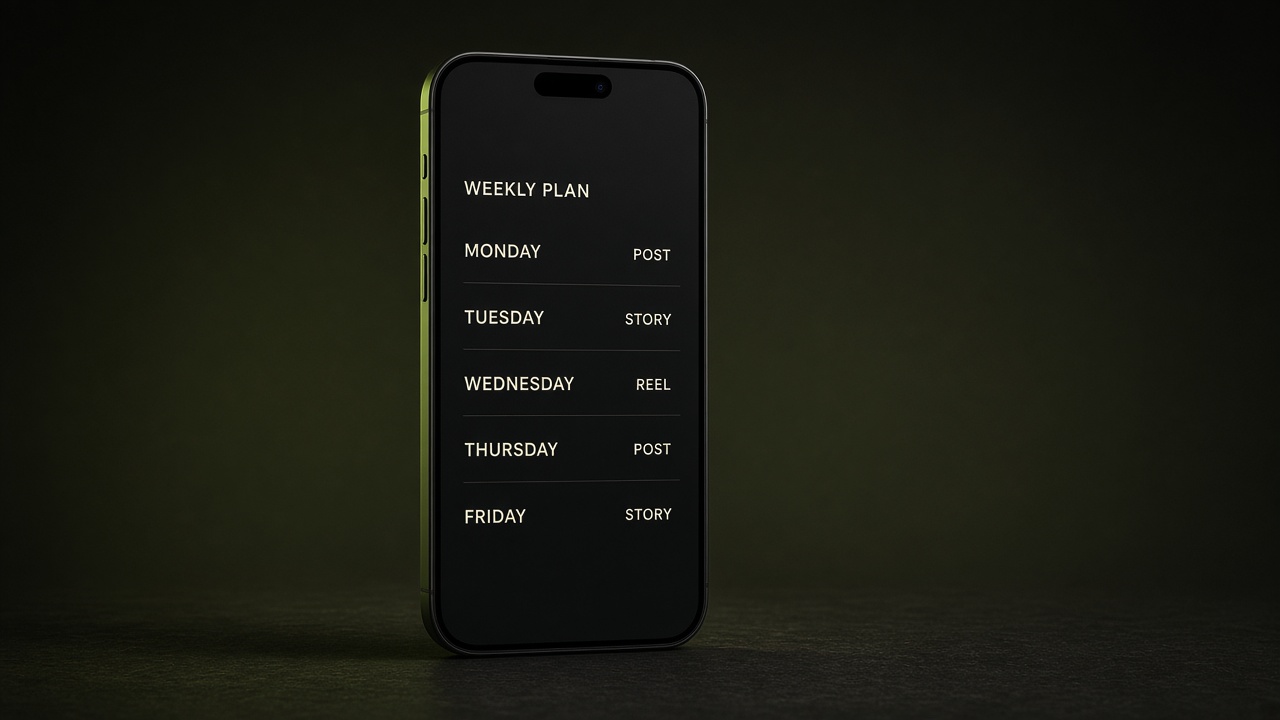
Build a posting plan
Example of one video a day
This sample is three networks at 9:00 for three days. It shows the shape of the plan. It is not someone’s results.
Day 1, 9:00
YouTube Shorts, Instagram Reels, TikTok
Day 2, 9:00
YouTube Shorts, Instagram Reels, TikTok
Day 3, 9:00
YouTube Shorts, Instagram Reels, TikTok
A second video on the same day would be 9:45. Vlozy does not place two slots closer than 45 minutes.
Questions about the content calendar
What does this content calendar make?
It makes a dated list of posting slots. You choose the networks, how many videos per day, the first day, and the first time. Extra videos that day are spaced 45 minutes apart, which is the closest Vlozy places two slots.
Is the content calendar generator free?
Yes. It runs in your browser. You can copy the plan or download it as a text file. There is no account and no charge.
Which networks can be on the plan?
YouTube Shorts, Instagram Reels, TikTok, Facebook, Threads, and Pinterest can take the video. LinkedIn and X are text posts, not the vertical video.
Does this calendar post the videos?
No. It only writes the plan. Vlozy can create the videos and publish them after you connect the accounts. Nothing here is a queue from a real workspace.
Will this schedule get more views?
No. A calendar is a plan for when posts go out. Views depend on the video, the account, and the platform.
How a campaign keeps posting after setup is in how to automate short-form video posting. See what Vlozy does.