
Home / Engagement rate
Free tool
How do you calculate engagement rate?
Add likes, comments, shares, and saves. Divide that total by followers or by reach, then multiply by 100. The same arithmetic works for TikTok, Instagram Reels, YouTube Shorts, and any other post where you can see these counts. You type the numbers. The page does not open an account, and the percentage does not predict views.
Calculate a rate
A worked example
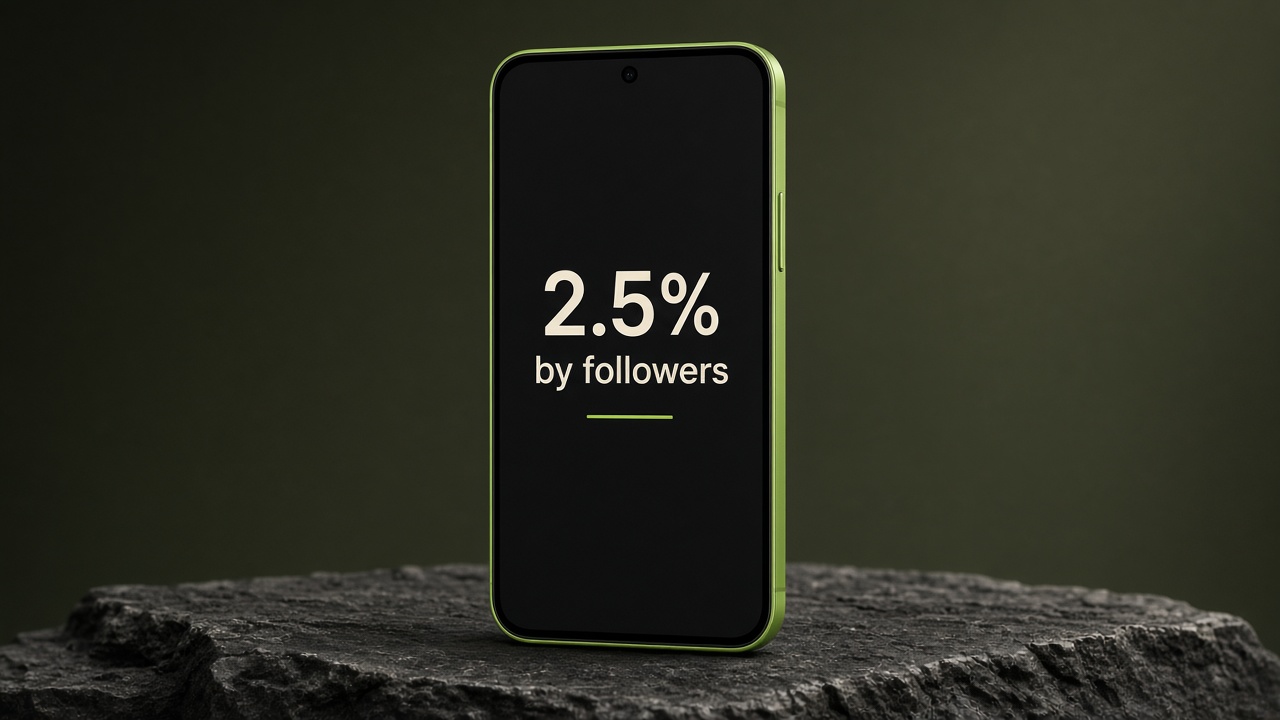
These figures are an example of the formula, so the answer is on the page before you type. 80 + 10 + 5 + 5 = 100 interactions. 100 ÷ 4,000 × 100 = 2.5% by followers. 100 ÷ 1,250 × 100 = 8% by reach. If a post does not show shares or saves, leave those at 0 and they stay out of the sum.
| Piece | Example |
|---|---|
| Likes | 80 |
| Comments | 10 |
| Shares | 5 |
| Saves | 5 |
| Interactions | 100 |
| Followers | 4,000 |
| Rate by followers | 2.5% |
| Reach | 1,250 |
| Rate by reach | 8% |
Speaking time for a script is a different question. The script timer estimates that from a word count.
Questions about the engagement rate
How do you calculate engagement rate?
Add likes, comments, shares, and saves. Divide by followers or by reach, then multiply by 100. With 80 likes, 10 comments, 5 shares, 5 saves, and 4,000 followers, the rate by followers is 2.5%.
What is engagement rate by reach?
It uses the same interactions divided by reach. In that example, 100 interactions and 1,250 reach is 8%.
Is this engagement rate calculator free?
Yes. It runs in your browser. There is no account and no charge.
Does this read my TikTok or Instagram account?
No. You type the numbers. Nothing is uploaded.
Does a higher engagement rate mean more views?
No. This is arithmetic on the numbers you enter. It does not predict views. A rate can also be above 100% when interactions are higher than followers or reach.
Vlozy publishes to the accounts you connect and can show the metrics a platform sends back. This calculator only divides the numbers you type. See what Vlozy does.